
Please download the GAC_PAQ app for Android by clicking on the download button.
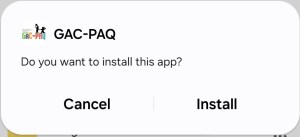
After downloading the app, please click on ‘Install’.
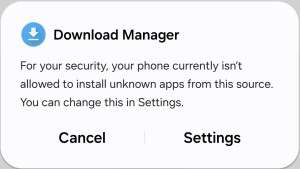
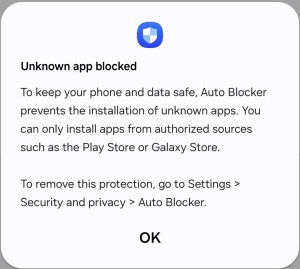
Your phone may block the installation, so you’ll need to go to Settings and allow permission for the app to be installed. Then, click on ‘Install’ again.
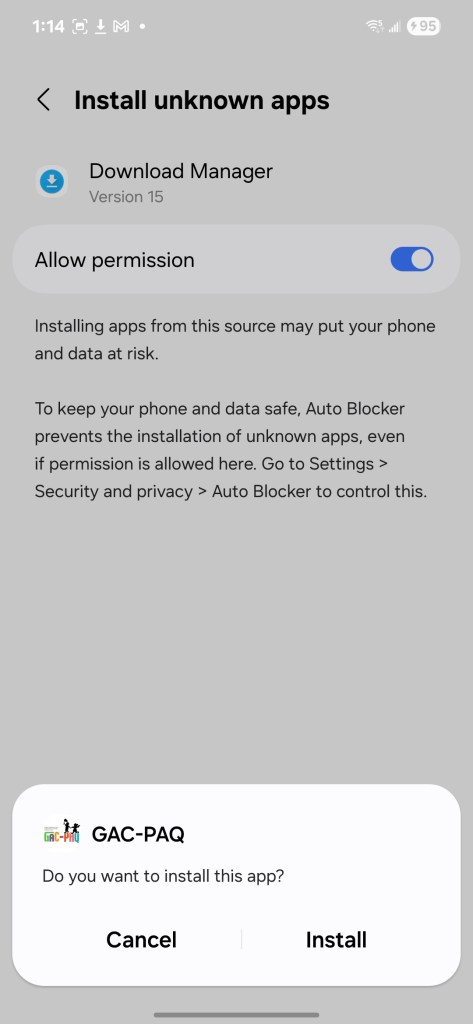
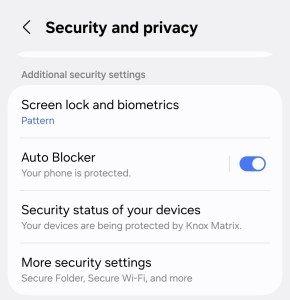
Additionally, your phone’s Auto Blocker may prevent the installation, and you may need to deactivate it to proceed with the installation.
 gac-paq.com